Picture Talk
Turn your photos into talking picture books for your child, in your own voice.
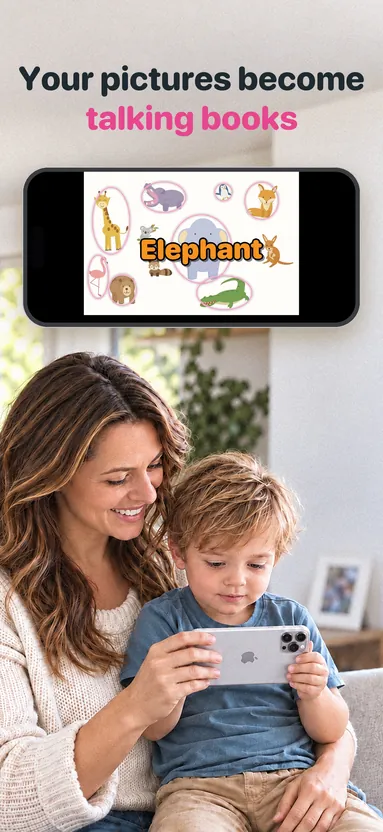
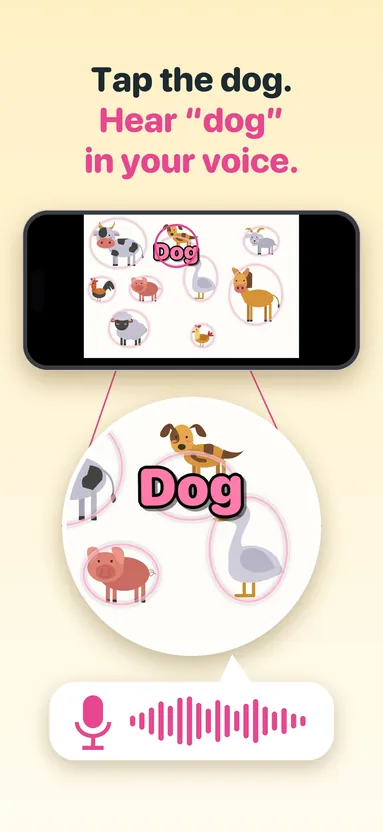
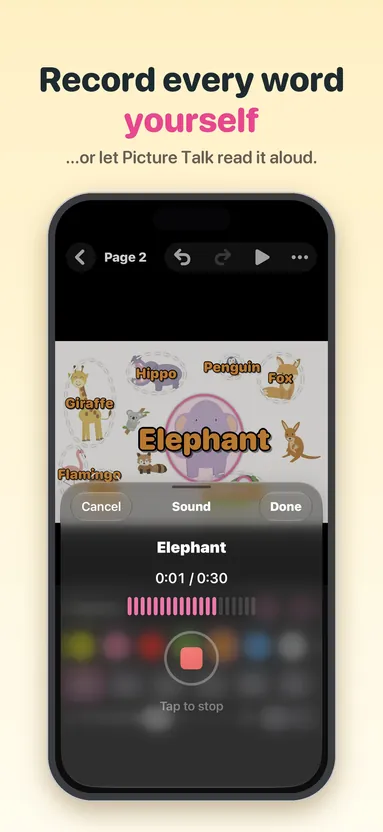
Pick a photo, put a talking spot on each thing you want your child to learn, and record yourself saying the word. When your child taps the dog, “dog” pops up on the screen and they hear you say it. It’s a simple, playful way to build first words together.
Version 3.0 is Picture Talk rebuilt from the ground up for today’s iPhone and iPad.
See it in action
Make a book in minutes
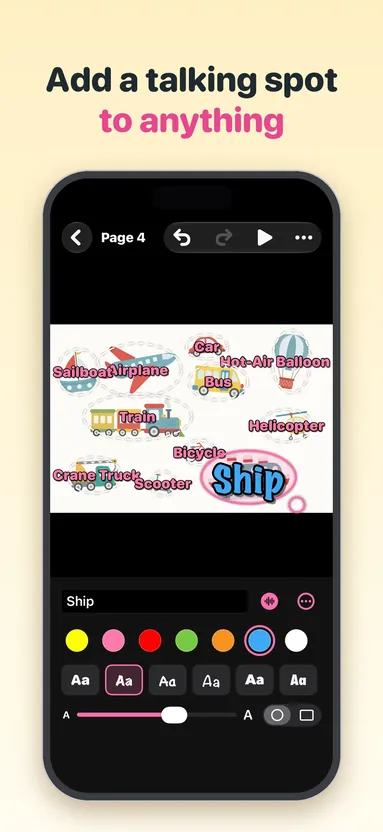
Choose up to 30 photos from your library, or take new ones with the camera, and each photo becomes a page. Tap Add Talking Spot, type the word, and drag the spot onto the thing in the photo.
Record your voice for each spot, or let Picture Talk read the word aloud. Choose from 8 colors, 8 child-friendly fonts, any text size, and oval or rectangle spots.
Everything saves as you go, with undo and redo. There’s no Save button, and nothing gets lost — tap Done even while you’re still recording, and your voice is kept.
Made for little fingers
The player is full screen, with no buttons to hit by accident. Words pop up with a playful spin while your voice plays.
Gentle outlines show where to tap; turn them off and it becomes a guessing game. Swipe between pages, or tap Play All to hear every spot, page after page.
Only a grown-up can leave: the close button has to be held for two seconds. The screen stays on while a book is open.
Ideas for your books
- Family faces: Grandma, Grandpa, cousins, the family dog
- Around the house: toys, the kitchen, bath time, clothes
- Days out: the zoo, the park, the grocery store
- Pages from a favorite paper book, read in your voice
- Words in a second language, recorded by a grandparent
- Practice at home with the words your child is working on
Start right away
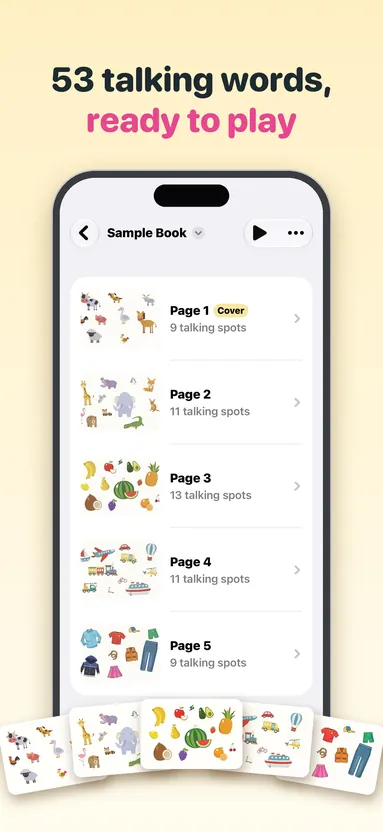
A five-page illustrated sample book is ready the first time you open the app, with 53 talking spots across farm animals, wild animals, fruit, transportation and clothing. A short intro and helpful tips walk you through making your own.
iPhone and iPad
Picture Talk works on every iPhone and iPad size, in portrait or landscape. It supports VoiceOver and larger text sizes, and words stay the right size on every screen.
One price, nothing else
No ads, no in-app purchases, no subscriptions and no account. Your photos and recordings stay on your device.
Picture Talk sends only anonymous usage counts and crash reports, so problems get found and fixed, and you can turn those off in Help. They never include your photos, words or recordings.
Upgrading from Picture Talk 2?
Your presentations and recordings are converted into books automatically the first time you open 3.0, and the original files are kept in the Files app. Sharing books with family is coming in a future update.
Guides
The details
iPhone and iPad, iOS 18 or later. English.